

Modern Warfare 2 Missing Oni Operator and Vault Edition Items Fix
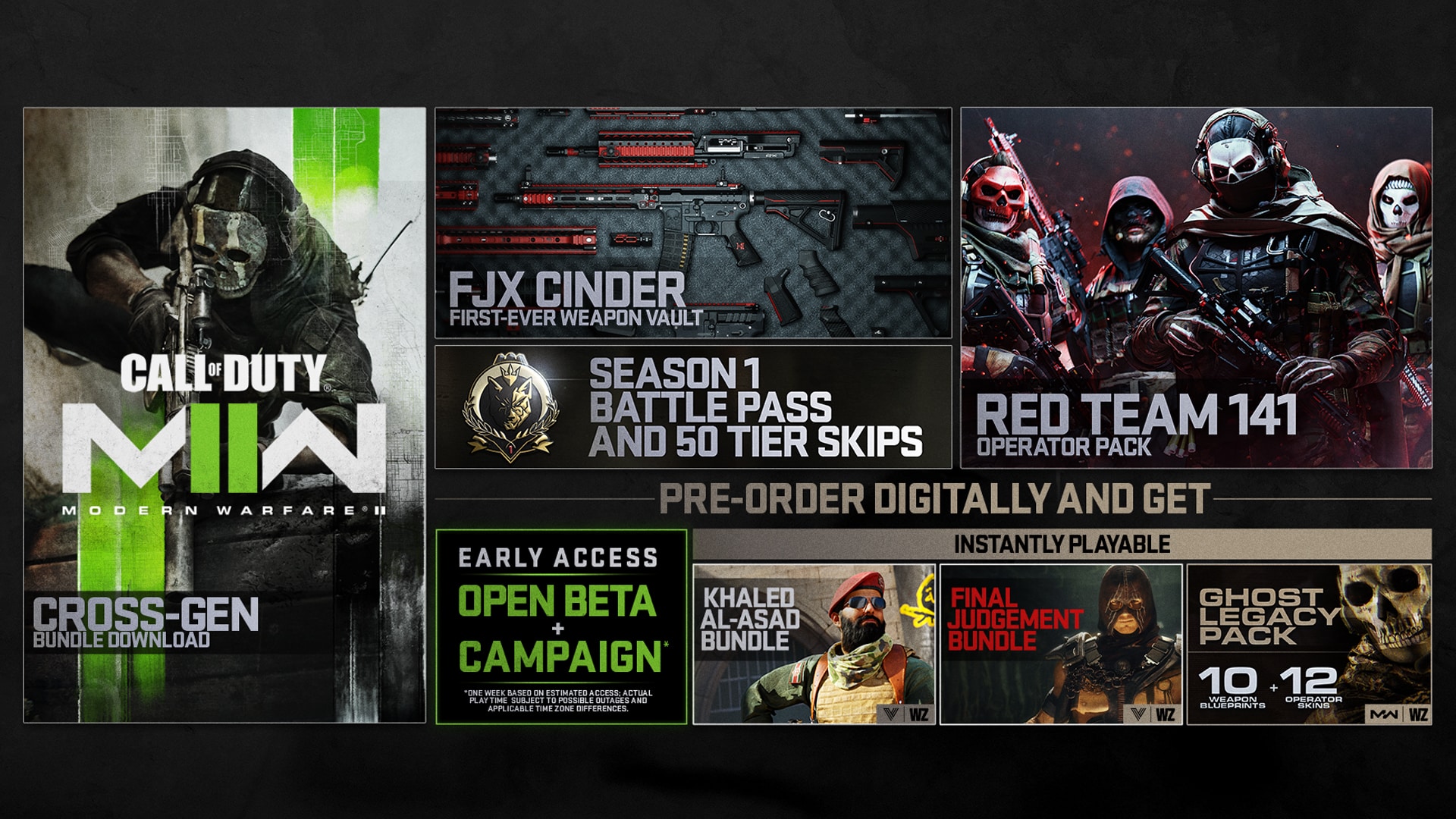
If you pre-ordered the Vault Edition of Call of Duty: Modern Warfare 2 and you can’t see that when you’re logged in (or it says you need to buy that edition to unlock it), don’t fret! There’s an easy Modern Warfare 2 missing Oni Operator and Vault Edition items fix!
Related Reading: Modern Warfare 2 Xbox Crossplay Cannot Be Turned Off; PlayStation Exclusive Benefits Listed & No Content Included
Modern Warfare 2 Missing Oni Operator and Vault Edition Items Fix:
While the issue was seen by people on PlayStation platforms since the game launched in different parts of the world, there is an easy fix.
On PS4, PS5:
Go to Settings > Users and Accounts > Other > Restore Licenses
Once that’s done, restart your game and you should see the items.
That’s about it. Hopefully, this does the trick and you’re back to fragging people with your exclusive items in two.
Modern Warfare 2 is out now on the PS4, PS5, Xbox One, Xbox Series X|S and PC.
Thanks, Infinity Ward!
More Modern Warfare 2 Reading:
- Modern Warfare 2 Mastery Camos and Operators Available at Launch Revealed, Here’s How to Unlock Them
- Modern Warfare 2 Changes Since the Beta Outlined: Enemy Visibility, Audio, UI & More
- Report: Modern Warfare 2 PS5 Disc Only Houses 70MB of Data
Stay connected to MP1st and the latest news by following us on Bluesky, X, Facebook, TikTok, YouTube, and Google News.

It didn’t work for me
hasn’t worked for me either, tried it 3 times
Worked the second time I logged in this morning before work. At midnight it wasn’t there. And at 7am it was
Mine still isn’t working. I restored licensed and I can see the add ons. Says they are installed but they aren’t and I can’t delete them or download them. SMH.